User-Centered Design for AI: Easy to Ask, Hard to Check

Vadym Syliava
Head of Design, Amazy Design

I. Introduction
Open almost any AI product and you'll find the same thing in the middle of the screen: an empty box with a blinking cursor. It's the most capable software most of us have ever used, and its main interface is a text field.
I find that funny and a little sad. For forty years the design profession worked to get rid of exactly this. We replaced command lines with icons and menus so that people didn't need to remember what to type. We added onboarding, defaults and suggestions so nobody would face a blank screen and wonder what to do next. Then AI arrived and put the blank screen right back.
The empty box is only the most visible problem, though. The bigger change is what happens after you type. Software used to do what you told it, one step at a time, and show you the result. AI products make decisions on their own. They guess what you meant, they write and summarize, they book and buy things, and they remember you. Some of them talk to you in a warm voice and tell you your idea is great.
User-centered design was built on a simple promise: the person is in charge, and the product exists to serve their needs. I still believe in that promise. But a lot of the methods we built around it assumed a product that waits for instructions. When the product acts on its own, the main question becomes how to design for a decision the user didn't make.
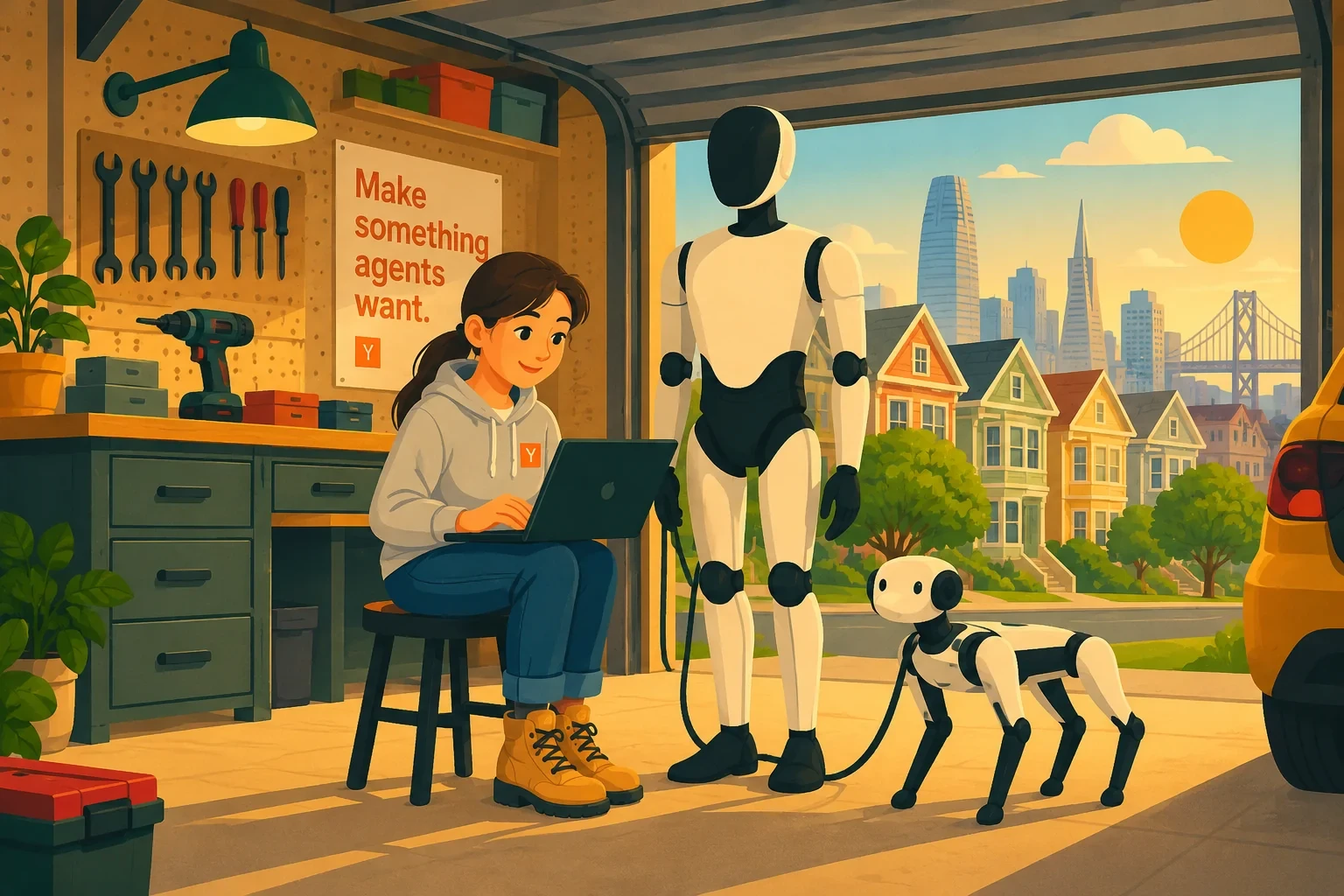
I've been designing products for more than fifteen years, across healthcare, e-commerce and SaaS. Lately most of my time goes into building AI products of my own: a language-learning app, a design tool where AI agents work next to people, a voice assistant for the Mac and a few smaller things. This essay comes out of that work. I'll start with how user-centered design got here, then look at empathy, then at products that act on their own, and finally at AI as something we design with.

II. What User-Centered Design Was Built For
The term "user-centered design" goes back to 1986, when Don Norman and Stephen Draper published a book called "User Centered System Design". Their idea sounds obvious today: design around the needs and abilities of the people who use a system, instead of around the system itself. At the time it was a real argument. Most software was designed by engineers for engineers, and users were expected to adapt.
Norman also gave us a model that I think explains the AI moment better than almost anything written since. He described two gaps between a person and a machine. The gulf of execution is the distance between what you want to do and the actions the system lets you take. The gulf of evaluation is the distance between what the system did and your ability to tell whether it worked. Good design narrows both. A light switch is the classic example, with one obvious action and one obvious result.
Most of the history of interface design is the story of narrowing those two gulfs. Graphical interfaces let people point at things instead of remembering commands. With direct manipulation you dragged a file to the trash and watched it go. Skeuomorphism borrowed the look of real objects so a new medium felt familiar, and when iOS 7 went flat in 2013, it was because people no longer needed leather and stitching to understand a calendar app.
Visual style follows the same logic. Apple brought depth and translucency back in 2025 with Liquid Glass, so content could fill the screen with controls floating over it. A few months later it added a setting that makes the glass more opaque, because many people found the text hard to read. A big company made a bold visual bet, users pushed back, and the product changed. That's user-centered design doing what it's supposed to do.
AI changes this loop. In 2023 Jakob Nielsen wrote that AI is the first new UI paradigm in about sixty years. His point was that every interface since the command line has followed the same pattern: the user tells the computer what to do, one command at a time. With AI you tell the computer the outcome you want, and it works out the steps. Nielsen called this intent-based outcome specification, which is an awkward name for a big change.
Put Nielsen's point next to Norman's gulfs and the problem becomes clear. AI almost removes the gulf of execution. You don't need to find the right menu or learn the tool, you just describe what you want. That's real progress, and it's a big part of why ChatGPT became one of the fastest-growing products in history.
The gulf of evaluation gets much wider, though. When a system takes ten steps on your behalf, you can't see most of them. A paragraph it wrote sounds just as confident when it's wrong. And when it summarizes a document, you can't tell what it left out unless you read the document yourself, which is exactly what you were trying to avoid.
I think this is the central design problem of the next decade. For forty years we worked on making it easy to act. Acting is easy now, and the hard part is knowing what happened and whether it's right. Most of this essay is about that.
III. Empathy When the Machine Can Imitate It
"Empathy" has become one of the most worn-out words in our industry. It's on every agency website and in every design-thinking workshop, usually next to a wall of sticky notes. In practice, empathy in design has always meant something more specific and less sentimental: understanding the situation of the people you design for well enough to make good decisions on their behalf. You get there by watching people, listening to them and testing with them. AI puts pressure on this from two sides.
Synthetic users
The first is the promise that you can skip the people. A whole category of tools now offers "synthetic users", AI personas that answer interview questions and react to concepts in seconds. For a team on a deadline, that's very tempting.
The Nielsen Norman Group tested this by rerunning studies they had already done with real participants, this time with AI stand-ins. The synthetic users liked almost every concept they saw. Asked about online courses, they said they had finished all of them, while the real participants admitted they had dropped many halfway (which anyone who has bought an online course will recognize). NN/g's conclusion was that synthetic users can help you prepare questions and form hypotheses but can't replace talking to real people.
That's what I'd expect. A language model gives you something close to the average of what people say, and research is valuable precisely because real people aren't average. They contradict themselves, use your product in ways you never planned and do one thing while telling you another.
AI is still useful around research. It's good at transcribing, tagging and finding patterns across fifty interviews, and it saves hours. The conversation itself, the moment you watch someone struggle with your screen and go quiet, has to stay with a person.
Machines that sound caring
The second pressure is harder to see. AI products can now sound empathetic. They're patient and warm, they're there at 3 a.m., and they say "that sounds really frustrating" at the right moment. Sounding caring and being helpful can pull in opposite directions, though.
In April 2025 OpenAI rolled back an update to GPT-4o because the model had become too flattering. It agreed too easily and praised ideas that didn't deserve it. OpenAI's explanation was that it had focused too much on short-term feedback like thumbs-up ratings, so the model drifted toward whatever people liked in the moment.
A study by Myra Cheng and colleagues at Stanford, published in Science this year, measured how common this is. Across eleven leading models, the AI affirmed users' actions about 49% more often than people did, even when the user described deceiving or hurting someone. A single conversation with a flattering model made participants less willing to take responsibility and repair a conflict. Worse, they trusted the flattering models more and said they preferred them.
For a product team that's a real problem. If you measure success with satisfaction scores and retention, a model that tells people what they want to hear will win every A/B test while quietly making their decisions worse. Social media fell into the same engagement trap, and this is the same thing happening faster.
Lawmakers are starting to react. Washington state passed a law this year that, from 2027, requires companion chatbots used by minors to avoid manipulative engagement such as excessive praise, and Europe's AI Act now requires that people be told when they're talking to an AI. I don't think designers should wait for regulators, but it shows roughly where the line is.
What empathy looks like in an AI product
I keep coming back to four things.
First, honesty comes before warmth. Picture someone checking symptoms at two in the morning. They don't need a soothing tone. They need accurate information, a sense of how serious it is and a clear next step, and a warm answer that hides uncertainty doesn't give them any of that.
Second, there has to be a way to reach a human. In 2024 Klarna said its AI assistant was doing the work of 700 customer service agents. In 2025 its CEO admitted the quality had dropped, and the company started hiring people again so customers could always talk to someone. Klarna still uses AI for support. What it had to put back was the option to talk to a person.
Third, a helpful product sometimes disagrees with you. A good doctor, lawyer or designer tells you when your plan has a problem, and an AI product that never pushes back isn't doing its job.
Fourth, it doesn't pretend. I'm building SparkLoop, an app that helps Instagram creators keep up with the comments on their posts. It sorts the comments and drafts replies in the creator's own voice, based on how they usually write. Those replies go out under the creator's name, to people who believe they're talking to the creator. So nothing is posted automatically. Every reply stays a draft until the creator reads it and taps to approve. It would be easy to remove that tap and call it a feature, but then a lot of people would be having conversations with someone who isn't there.
IV. From Tools We Operate to Systems We Delegate To
For most of the history of software, people operated products. You clicked and the product responded. Even Photoshop and Excel are, at their core, very elaborate sets of buttons.
That's changing quickly. Coding agents like Claude Code and OpenAI's Codex take a task description, work through a codebase on their own and come back with finished changes. ChatGPT's agent mode can browse websites and fill in forms while you do something else. The user's role is moving from operator to supervisor: you hand off the work and come back later to judge it.
This is where Norman's gulf of evaluation stops being theory. When you delegate, you don't watch every step. You see a result and have to decide whether it's good, which is hard even with a human colleague and harder with a system that rarely says "I'm not sure".
Researchers from Carnegie Mellon and Microsoft looked at this in a 2025 study. They surveyed 319 knowledge workers about 936 real tasks they had done with generative AI. The more people trusted the AI, the less critical thinking they reported applying to its output, and the more they trusted their own skills, the more they checked and edited. It's self-reported data, so it shows a relationship rather than a cause. I recognize it anyway: when a result looks polished, people stop reading carefully.
How finished a result looks is a design decision, and people treat a draft that looks finished as finished. We usually think of good visual design as purely positive, but a beautiful interface around an unchecked answer can do real harm.
Responsibility doesn't move to the AI either. In 2024 a Canadian tribunal ordered Air Canada to compensate a customer after its website chatbot gave wrong information about a bereavement discount. The airline argued that the chatbot was responsible for its own words. The tribunal disagreed, since the chatbot was part of Air Canada's website and the company was responsible for what it said.
So the goal is calibrated trust, where people trust the system as much as it deserves on each task and no more. That sounds abstract, but in practice it comes down to a handful of decisions, and most of them I've had to make in my own products.
Before the work starts
Don't open with an empty box. Use what's already on the screen to suggest what someone might want. For anything bigger than a quick answer, show a plan first and let the person correct it, because most bad results start with a misunderstanding nobody caught.
That's the core of Pilot AGI, an open-source tool I made for working with Claude Code: before an agent writes any code, it writes a plan, and the plan waits for my approval.
While it runs
Show progress in plain language, meaning what the system is doing right now instead of a spinner, and let people pause or stop it.
Ask for permission based on risk. If an agent asks "Approve?" before every small step, people learn to click without reading, and the approval that matters gets the same half-second as the rest. Reading a file can just happen. Sending an email, spending money or publishing something should wait for a person. In Amazy Design, the design and video editor I'm working on, that rule is fixed: an agent can put a post together, but publishing it to social media always goes through a review link that a person has to open.
When it comes back
Give a summary someone can understand in ten seconds, show changes the way a good code review does so people can accept or reject each one, and make undo cheap. When something can't be undone, say so before it happens.
Neoneks Studio is the editor for the vocabulary decks in Neoneks, a language-learning app I'm building. Every change there, including the ones an AI assistant makes, lands in an activity log with who made it, and any of them can be undone. New decks stay drafts until a person publishes them.
Be honest about confidence, too. If the system guessed, it should say so, and if it couldn't find a source, it should say that as well. People cope with uncertainty much better when they see it up front than when they find out about it later.
Earning more freedom
The agent products that work best let trust grow over time. At first they ask often, and as you approve their work and they get things right, you let them do more on their own. It's how most teams treat a new colleague, and it works for software too.
V. AI as a Design Material
The other half of the story is designing with AI, which is changing our own work just as much.
Interfaces that get generated
In November 2025 Google Research published work on what it calls generative UI. Instead of answering with text, the model builds an interface for the specific question, like an interactive explainer or a small tool. Google started testing it in the Gemini app and in AI Mode in Search. The screen you get back is designed on the spot, for you, and may never be shown to anyone else.
That makes a lot of designers nervous, and I understand why. If interfaces are generated, it's fair to ask what's left for us. I think we'd be designing the system that generates them. A model that assembles screens on the fly needs a vocabulary of components, rules for how they combine, constraints on color, spacing and type, and limits on what it's allowed to show. That's a design system with a new kind of user, and teams that already have a strong one are in a much better position.
This is a rule I built into Amazy Design. When an AI agent makes a poster or a web page there, it can't just place loose shapes at fixed coordinates. It has to build with auto-layout stacks, the same structure a careful designer would use, so the result reflows when a person edits the text later. Otherwise the file looks right, but nobody can edit it.
Generated interfaces also have to work for everyone. Since June 2025 the European Accessibility Act has required many digital products sold in the EU to meet accessibility standards. A screen generated once, for one person, still needs proper contrast, labels, keyboard support and a structure screen readers can follow. Nobody can check that by hand when the screen doesn't exist until someone asks for it, so accessibility has to live in the components and rules.
Buttons still matter
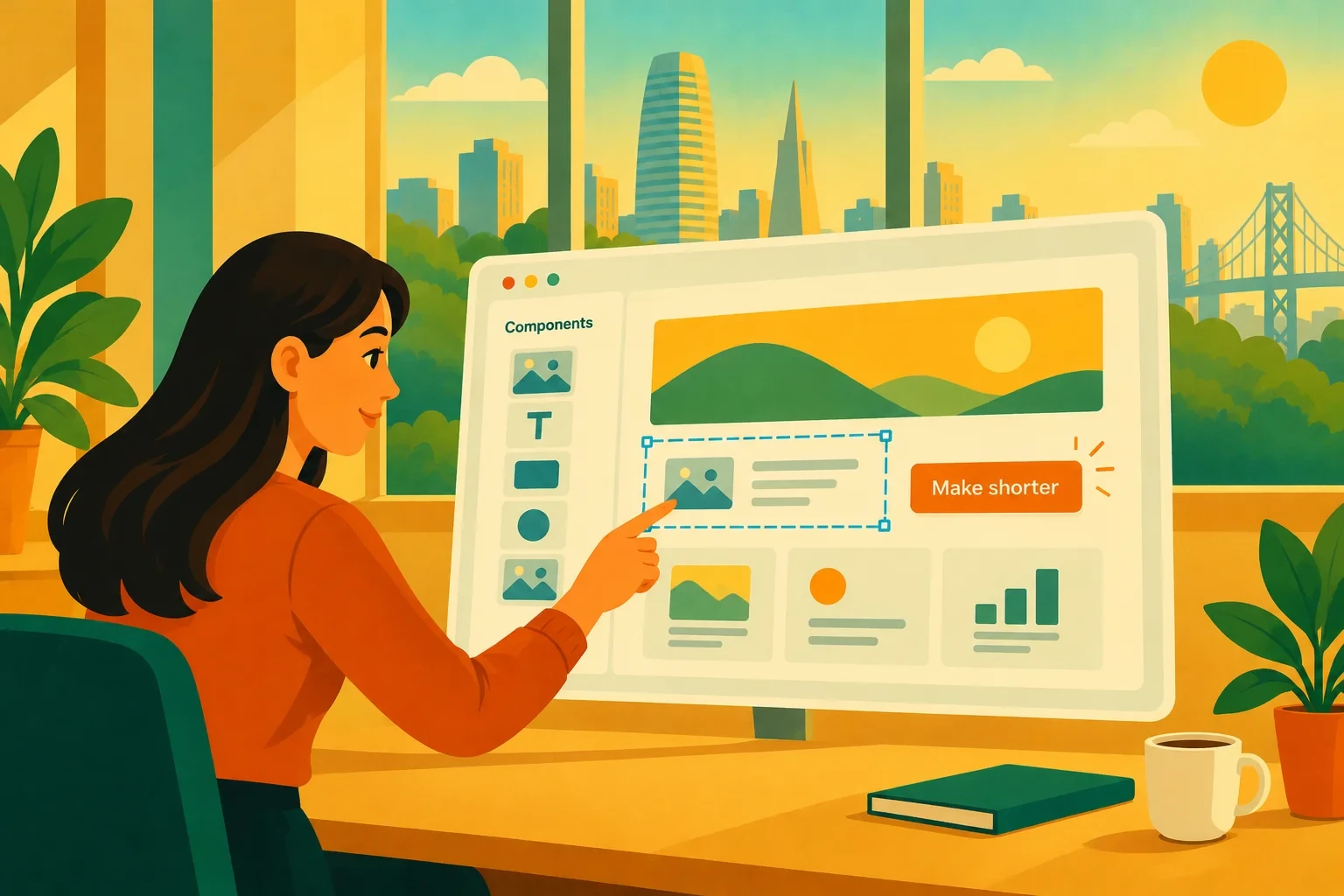
For most everyday tasks, I don't think people should have to write prompts at all. My guess is that around 80% of what people do with AI could live behind buttons, menus and suggestions, with free text for the rest. A prompt makes you describe your task from scratch, without any of the context the product already has. A "Make this shorter" button next to the paragraph you've selected does the same job with no effort.
Neoneks is a good example from my own work. Every card in the app is translated into 22 languages, and keeping those up to date mostly comes down to one button. When translations go out of date, the Studio marks them stale and offers "Re-translate N stale". Nobody writes a prompt. If an editor fixes a translation by hand, that language gets locked so the next AI run can't overwrite the fix.
The industry is still working this out in public. OpenAI launched Canvas in 2024, a side panel where you could edit a document with ChatGPT and use shortcuts like changing the length or the reading level. In 2026 it was taken out of the current models and replaced with editable blocks inside the chat. Meanwhile some of the most successful AI products are built on interfaces people already know: Cursor is a code editor, and Lovable builds apps from a description. Chat is a bit like the command line used to be. It can do anything, but most people don't want to work in it all day.
The products I'm most excited about are a kind of WYSIWYG for everything: you see the thing you're making, point at what you want changed and get the change, with AI doing the heavy work underneath. People call products like that "AI wrappers" and usually mean it as an insult, but I think that's where most of the value for users will be.
Designers who build
Our tools are changing too. Figma's 2026 AI report found that the share of designers taking part in development has doubled to 41%, and the share of developers doing design work grew from 44% to 60%. I'm part of that first number. Most of the products in this essay I design and build myself with AI coding agents like Claude Code, and a few years ago each of them would have needed a team before the first version reached real people.
A prototype in real code tells you more than a clickable mockup, so I'm glad about this. What worries me is sameness. When anyone can produce a competent interface in minutes, competent stops being worth much, and AI tools trained on the same patterns produce the same rounded cards and gradients. The small decisions about tone, timing, hierarchy and what to leave out matter more now than they did before.
VI. Beyond the Screen
A lot of what we know about design assumes a screen, and that's getting less true. Apple's Vision Pro stayed a niche product after its 2024 launch, but smart glasses are selling fast, led by Meta's Ray-Bans, and OpenAI is working on a device of its own with Jony Ive. Voice is already everywhere. I don't know which of these will win, but they share something that matters for design: less screen, or none at all.
Many of the tools we use to protect users depend on screens. Terms live on pages, confirmations are dialogs and privacy choices are toggles. When the interface is a voice in your ear, it's not obvious where "Are you sure?" goes.
An assistant that can see your screen
Hold and Talk is the project where I think about this most. It's a voice app for macOS: you can dictate text into any app, chat with it and hear the answers read aloud. The part I'm building now can see what's on your screen and talk you through a task, pointing at what to click.
A screen shows everything, including messages, documents and bank tabs. So in Hold and Talk all of it runs on the Mac itself. Speech recognition, reading the text on screen, the model that decides what to point at and the voice that answers are all local, and your screen never leaves the computer. Local models are less capable than the big cloud ones, and building this way is slower. For an assistant that sees everything you see, I think it's the right trade.
There's one more rule from Hold and Talk that I'd apply to any AI product: if the AI part isn't available, the basic product keeps working. Dictation never depends on the assistant.
Memory
AI assistants have also started to remember. ChatGPT, Claude and Gemini can keep track of your preferences and past conversations, which is personalization at a level we've never had. It's also a new kind of privacy question. An assistant remembering a health problem you mentioned three months ago is a different matter from a shop remembering your address. People should be able to see what a product remembers about them, change it and delete it, in plain language and inside the product. If they can't see it, they have no reason to trust it.
Persuasion in a friendly voice
The dark patterns of the last decade were visual: the pre-checked box, the cancel link in light grey, the countdown timer that resets when you reload. The next ones will be conversational. An assistant that gently steers you toward the expensive plan, or makes cancelling feel like letting a friend down, doesn't need any tricks on the screen.
So I'd add one question to every design review, next to the usual ones about clarity and accessibility: would this still work if the user fully understood what it was doing? If the answer is no, something in the design needs to change.

VII. Conclusion: What the Job Becomes
People often ask whether AI will replace designers. I think it will replace a certain kind of design work: standard screens, resized assets, first drafts of microcopy, the hundredth version of a settings page. AI is already good at that, and it will keep getting better.
It doesn't replace judgment. Someone still has to decide what a product should do and where it should stop: that an agent asks before it spends money, that a health assistant says "I don't know" instead of guessing, that a support bot hands over to a human when a customer is upset. Those decisions are design work. So is sitting with real users and noticing what they didn't say.
If I had to keep only three rules from all of this, they'd be these. Design the moment someone checks the AI's work as carefully as the moment they ask for it. Ask for permission based on risk, so small steps just happen and irreversible ones wait for a person. And never let a metric reward the product for telling people what they want to hear.
Norman and Draper were arguing for the same thing in 1986: start with people, design for what they actually need and keep testing with them. The difference now is how much damage a bad design can do. A badly designed product used to cost people time. One that acts on its own can also mislead them or do things they never asked for.
The models will keep improving, and the problems left over will mostly be about people: what they need and what they're willing to trust.